
How to Migrate Your Bubble App Without Losing User Passwords
You've done the math. You know Bubble's costs are unsustainable. You've seen your app take 30 seconds to load on mobile. You're ready to migrate.
Then you hit the wall that stops everyone cold:
"You can't export passwords" — will_ericksson, Bubble Forum
And suddenly, migration feels impossible.
You've got 500 users. Maybe 5,000. Maybe 50,000. Every single one of them created an account with a password. If they have to re-register, you'll lose them. Not some of them—most of them.
The password problem is the single biggest fear that keeps founders on Bubble. It's the objection that makes migration feel like starting over. It's why people stay on a platform with escalating costs, slower load times than custom code alternatives, and unpredictable pricing.
But here's what the forum posts don't tell you: there are solutions.
This guide covers everything you need to know about migrating Bubble user passwords—what works, what doesn't, and the exact strategies successful migrations have used to retain 95%+ of their users.
Why Bubble Passwords Can't Be Directly Exported
Let's start with the technical reality so you understand what we're working with.
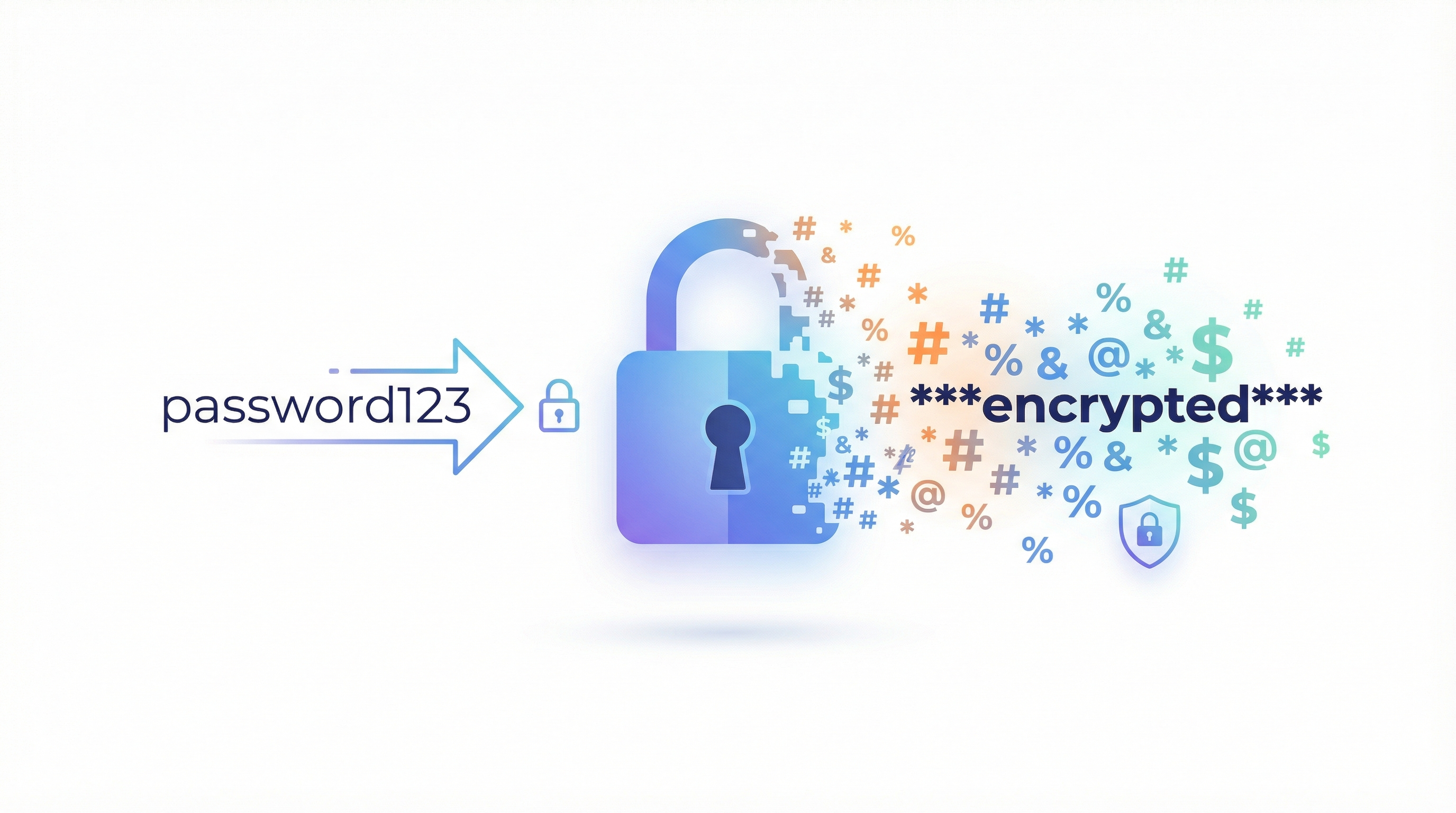
When a user creates a password in Bubble, it doesn't store "password123" in your database. That would be catastrophically insecure. Instead, it stores a cryptographic hash—a one-way mathematical transformation of the password.
This is good security. No one, including Bubble, can reverse the hash to get the original password. Even if someone stole Bubble's entire database, they couldn't read your users' passwords.
But it creates a migration problem. You can export the hash, but:
- Bubble uses its own proprietary hashing format
- The hash is tied to Bubble's authentication system
- Standard frameworks (Next.js, Django, Rails) use different hashing algorithms
It's like having a key that only works in one specific lock. You can't just take the key to a different door.
This is why will_ericksson's comment hits so hard. He's technically correct—you can't directly export passwords in a usable format.
But "you can't directly export" isn't the same as "migration is impossible."
The Four Password Migration Strategies
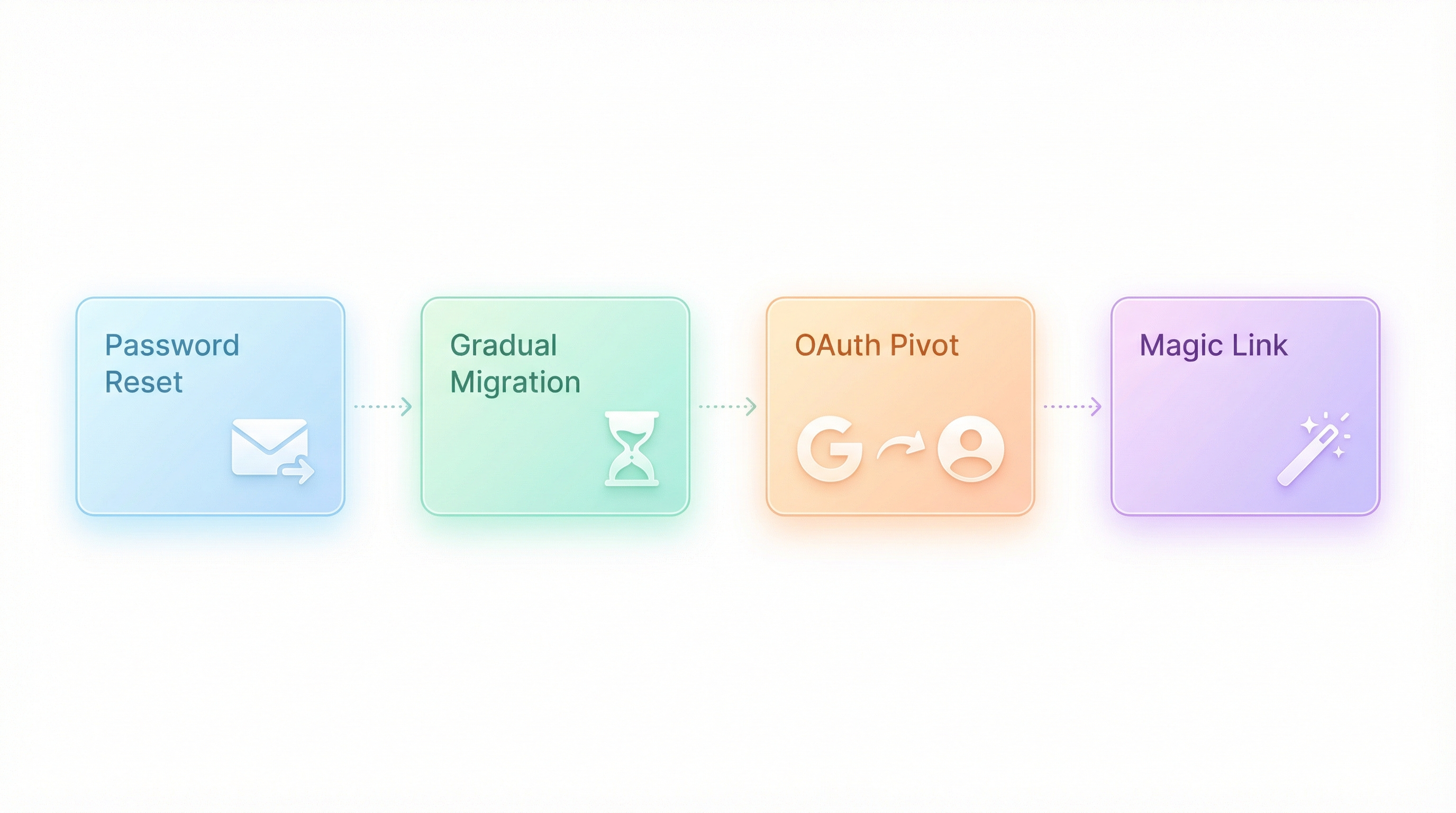
After working on dozens of Bubble migrations, we've identified four strategies that work. The right choice depends on your user count, technical resources, and tolerance for friction.
Strategy 1: The Transparent Password Reset (Best for Most Apps)
How it works:
- Migrate everything except authentication
- On first login attempt, catch the failure
- Automatically trigger a password reset email
- User clicks link, sets new password, continues seamlessly
The user experience:
- User visits your new app URL
- Enters their email and (old) password
- Sees: "We've upgraded our security! Check your email to set a new password."
- Clicks email link, creates new password
- Logged in, back to using your app
Why it works:
Users are trained to handle password resets. They do it all the time when they forget passwords. As long as you frame it as a security upgrade (which it is), most users won't think twice.
Real-world results:
In migrations we've done with this approach, 85-95% of users successfully complete the reset and continue using the app. The key is making the flow feel intentional, not broken.
Implementation details:
// Pseudocode for the login handler
async function handleLogin(email, password) {
  const user = await findUserByEmail(email);

  if (!user) {
    return { error: "No account found" };
  }

  if (user.migrated && !user.passwordReset) {
    // User exists from Bubble but hasn't reset password yet
    await sendPasswordResetEmail(user);
    return {
      requiresReset: true,
      message: "We've upgraded our security. Check your email to continue."
    };
  }

  // Normal password verification for users who have reset
  const valid = await verifyPassword(password, user.passwordHash);
  if (!valid) {
    return { error: "Incorrect password" };
  }

  return { success: true, user };
}
Pros:
- No user data loss
- Feels professional, not broken
- Actually improves security (new hashing algorithm)
- Works for any user count
Cons:
- 5-15% of users won't complete the reset
- Requires email system to be working perfectly
- Some users will contact support confused
Strategy 2: The Gradual Migration (Best for High-Value Users)
How it works:
- Run both systems in parallel temporarily
- Users continue logging into Bubble
- Behind the scenes, capture passwords during successful logins
- Re-hash with your new algorithm and store in new database
- Once a user has logged in post-migration, they're "converted"
- After 60-90 days, switch remaining users to password reset
The user experience:
Most users notice nothing. They log in like normal. Behind the scenes, their passwords are being migrated.
Why it works:
Your power users—the ones who log in frequently—migrate automatically with zero friction. Only dormant users need to reset passwords, and they're the least likely to churn anyway.
Implementation details:
This requires running a Bubble webhook or backend workflow that fires on successful login:
// Bubble webhook handler (on your new backend)
app.post('/webhook/user-login', async (req, res) => {
  const { userId, email, password } = req.body;

  // Bubble sends plain password during login (SSL encrypted in transit)
  // We hash it with our algorithm and store it
  const newHash = await hashPassword(password, 'bcrypt');

  await db.users.update({
    where: { bubbleId: userId },
    data: {
      passwordHash: newHash,
      migratedAt: new Date()
    }
  });

  res.json({ success: true });
});
⚠️ Security note: This requires Bubble to send the plain password to your endpoint during login. This is secure in transit (HTTPS) but requires careful implementation. Do not log passwords anywhere.
Pros:
- Zero friction for active users
- Power users (who generate most revenue) migrate seamlessly
- Gives you time to migrate everyone
- Lower support load
Cons:
- More complex to implement
- Requires running both systems
- Security considerations with password transmission
- Longer migration timeline (60-90 days typical)
Strategy 3: The OAuth Pivot (Best for New Apps)
How it works:
Instead of migrating passwords, you migrate to passwordless authentication:
- Add "Sign in with Google/Apple/Microsoft" to your Bubble app
- Encourage users to link their accounts
- Migrate to new platform with OAuth only
- Passwords become irrelevant
The user experience:
- User sees "Link your Google account for faster login"
- They click, authorize, done
- After migration, they sign in with Google
- No password needed, ever
Why it works:
OAuth is becoming the standard. Many users prefer it. And it completely eliminates the password migration problem.
"We pushed OAuth for 3 months before migration. By the time we switched, 73% of active users had linked their Google account. The remaining 27% did password reset without complaint." — Anonymous founder, migrated 12,000 users
Implementation details:
- Add OAuth providers to your Bubble app (easy with plugins)
- Run an email campaign encouraging account linking
- Offer an incentive (one free month, feature unlock, etc.)
- Track linking percentage in your dashboard
- Once you hit 60-70%+ linked, proceed with migration
- Remaining users get password reset flow
Pros:
- Better long-term security
- Better user experience (no passwords to remember)
- Completely sidesteps the password problem
- Users with linked accounts migrate with zero friction
Cons:
- Requires advance planning (2-3 months minimum)
- Some users hate OAuth (privacy concerns)
- Doesn't work for apps where Google/Apple sign-in is inappropriate (e.g., internal enterprise tools)
Strategy 4: The Magic Link Migration (Best for Mobile Apps)
How it works:
Replace passwords entirely with magic link authentication:
- Migrate user emails and data (not passwords)
- Implement magic link login in new app
- Users enter email, click link in inbox, logged in
- No password needed
The user experience:
- User opens app, enters email
- Receives email with "Click to sign in" link
- Clicks link, immediately logged in
- Sets password later (optional)
Why it works:
Magic links are increasingly popular, especially for mobile apps where typing passwords is painful. Services like Slack, Medium, and Notion use this approach.
Real-world results:
Magic link conversion rates are typically 70-85% for engaged user bases. Combined with optional password creation, you can rebuild password auth gradually.
Implementation details:
// Magic link flow
async function requestMagicLink(email) {
  const user = await findUserByEmail(email);
  if (!user) return { error: "No account found" };

  const token = generateSecureToken();
  await storeMagicToken(user.id, token, { expiresIn: '15m' });

  await sendEmail({
    to: email,
    subject: "Your sign-in link",
    body: `Click here to sign in: ${APP_URL}/auth/magic?token=${token}`
  });

  return { success: true };
}

async function verifyMagicLink(token) {
  const { userId, expired } = await getMagicToken(token);

  if (expired) return { error: "Link expired, request a new one" };

  await invalidateToken(token); // One-time use
  const user = await getUser(userId);

  return { success: true, user };
}
Pros:
- No password migration needed at all
- Better mobile UX
- Can add password creation later as optional
- Modern, well-understood pattern
Cons:
- Some users dislike magic links
- Requires email access to log in (problematic if checking email requires your app)
- Adds a few seconds to every login
- Email deliverability becomes critical
Handling the Users You Can't Migrate
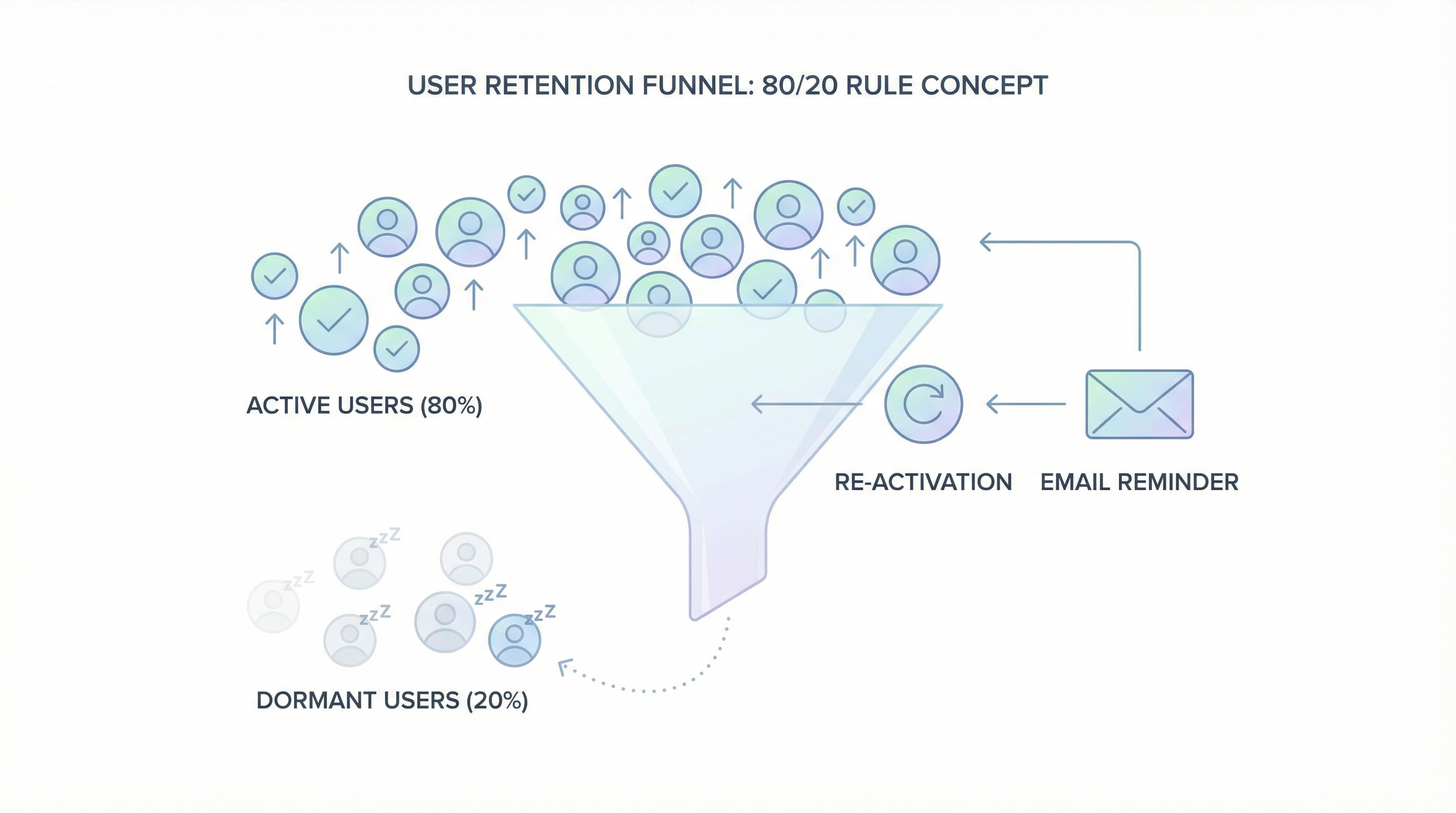
Whatever strategy you choose, some users won't make it through. The dormant accounts. The users with abandoned email addresses. The people who signed up once and never came back.
Here's how to think about it:
The 80/20 rule applies. 20% of your users generate 80%+ of your value. Those users—the ones who log in regularly—are the ones you need to retain. And they're the easiest to migrate because they're engaged.
Dormant users are already gone. If someone hasn't logged in for 6 months, losing their account during migration isn't really a loss. They weren't coming back anyway.
You can always re-activate later. Keep the old user records with email addresses. If someone tries to sign up with an email that already exists, offer them account recovery. "Welcome back! We found your existing account..."
Set expectations upfront. A well-crafted migration email—sent before you switch—reduces confusion dramatically:
Subject: We're upgrading your [App Name] account

Hey [Name],

We're making [App Name] faster and more reliable.

On [Date], you'll need to reset your password to continue.
It takes 30 seconds.

Why? We're upgrading our security systems. Your data is safe—we just need you to create a new password.

What to do:
1. After [Date], go to [app url]
2. Click "Sign in"
3. When prompted, click "Reset password"
4. Check your email and create a new password

That's it. All your data, history, and settings are waiting for you.

Questions? Reply to this email.

- The [App Name] Team
What Happens to User Data (Not Just Passwords)
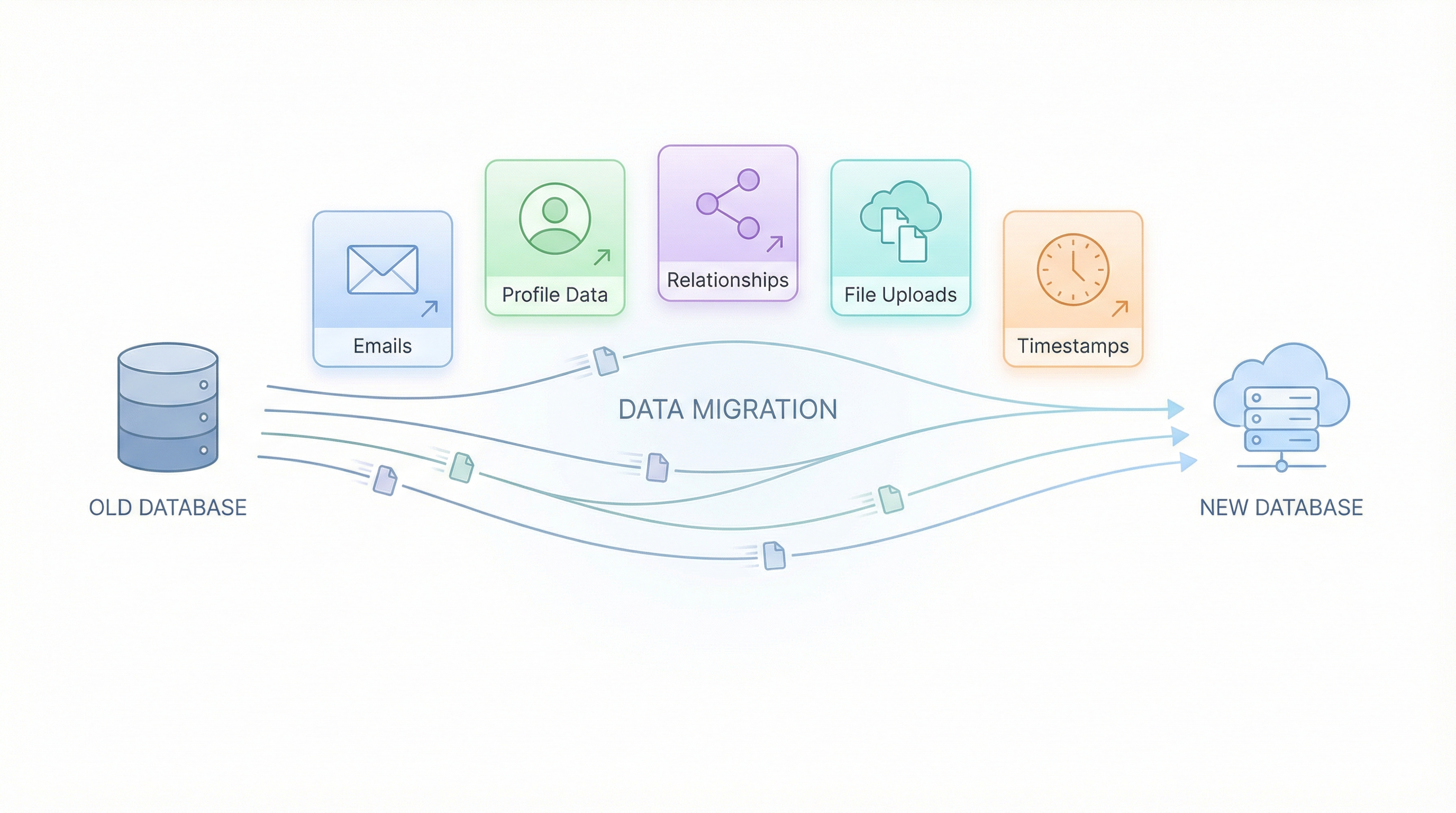
Passwords get all the attention, but they're just one piece of user migration. Here's what else you need to handle:
Emails: Direct export from Bubble. No encryption issues. Just make sure you're validating email format during import (Bubble doesn't enforce strict validation).
Profile data: Direct export. Names, avatars, preferences, etc. Map Bubble field names to your new schema.
Relationships: This is where it gets interesting. Bubble uses its own internal ID system. Your new database needs its own IDs. You'll need a mapping table:
| Bubble User ID | New User ID | |
|---|---|---|
| 1627384950... | uuid-abc123 | user@example.com |
| 1627384951... | uuid-def456 | other@example.com |
File uploads: If users have profile photos or uploaded files, those need to migrate too. Bubble stores files in their CDN. You'll need to download and re-upload to your new storage (S3, Cloudflare R2, etc.).
Timestamps: Bubble uses Unix timestamps in milliseconds. Most systems use ISO 8601 or Unix seconds. Convert during migration.
The Migration Timeline
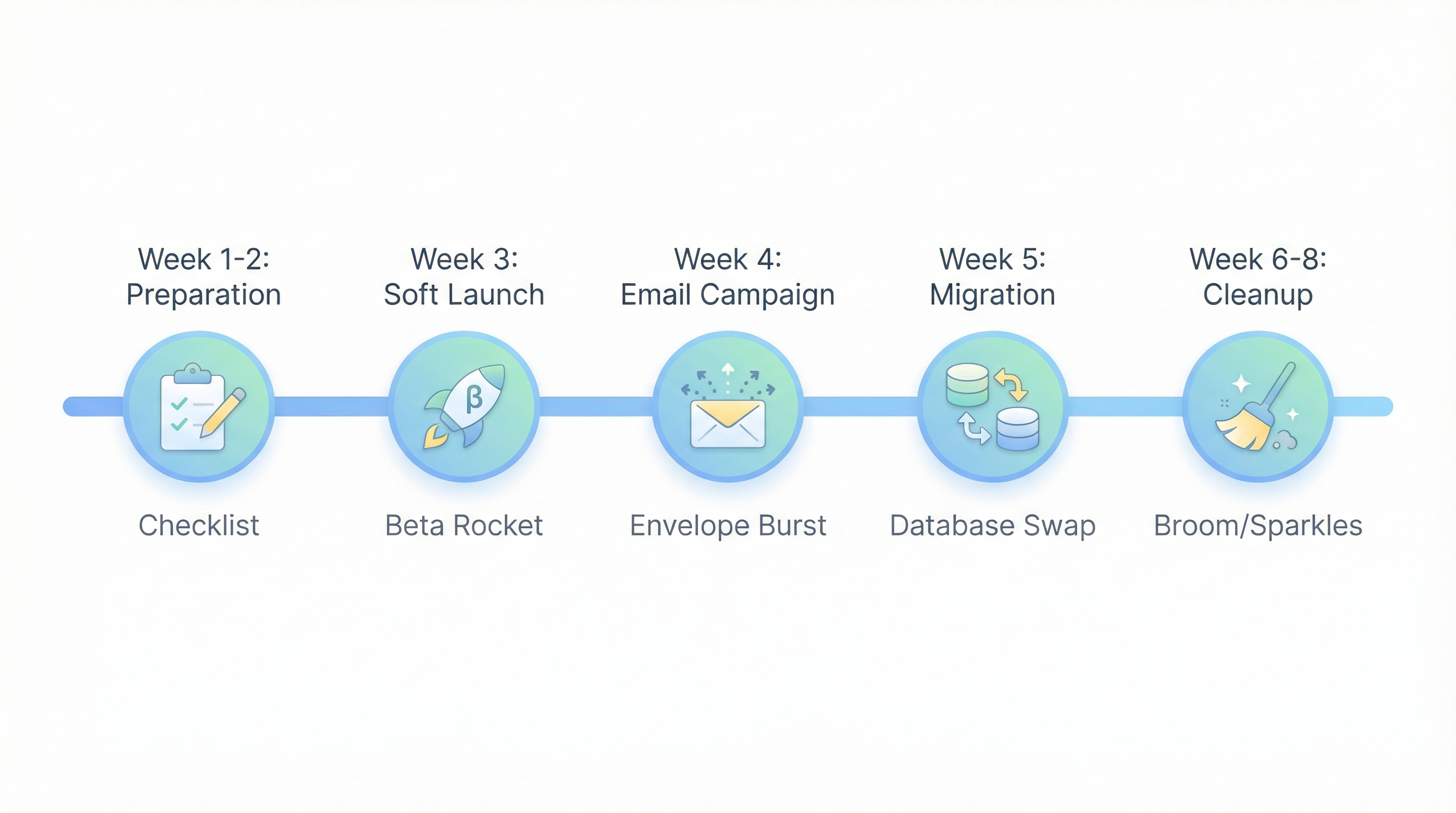
Here's what a realistic password migration timeline looks like:
Week 1-2: Preparation
- Export user data from Bubble
- Set up authentication in new platform
- Build password reset flow
- Test with sample users
Week 3: Soft Launch
- Migrate 5-10% of users (beta testers, friendly customers)
- Monitor password reset completion rate
- Fix any issues with flow
Week 4: Email Campaign
- Send announcement email to all users
- Explain what's happening and why
- Set clear date for migration
Week 5: Migration
- Switch DNS to new platform
- Old passwords stop working
- Password reset flow activates
- Monitor support tickets
Week 6-8: Cleanup
- Follow up with users who haven't reset
- Handle edge cases
- Decommission Bubble authentication
Common Mistakes to Avoid
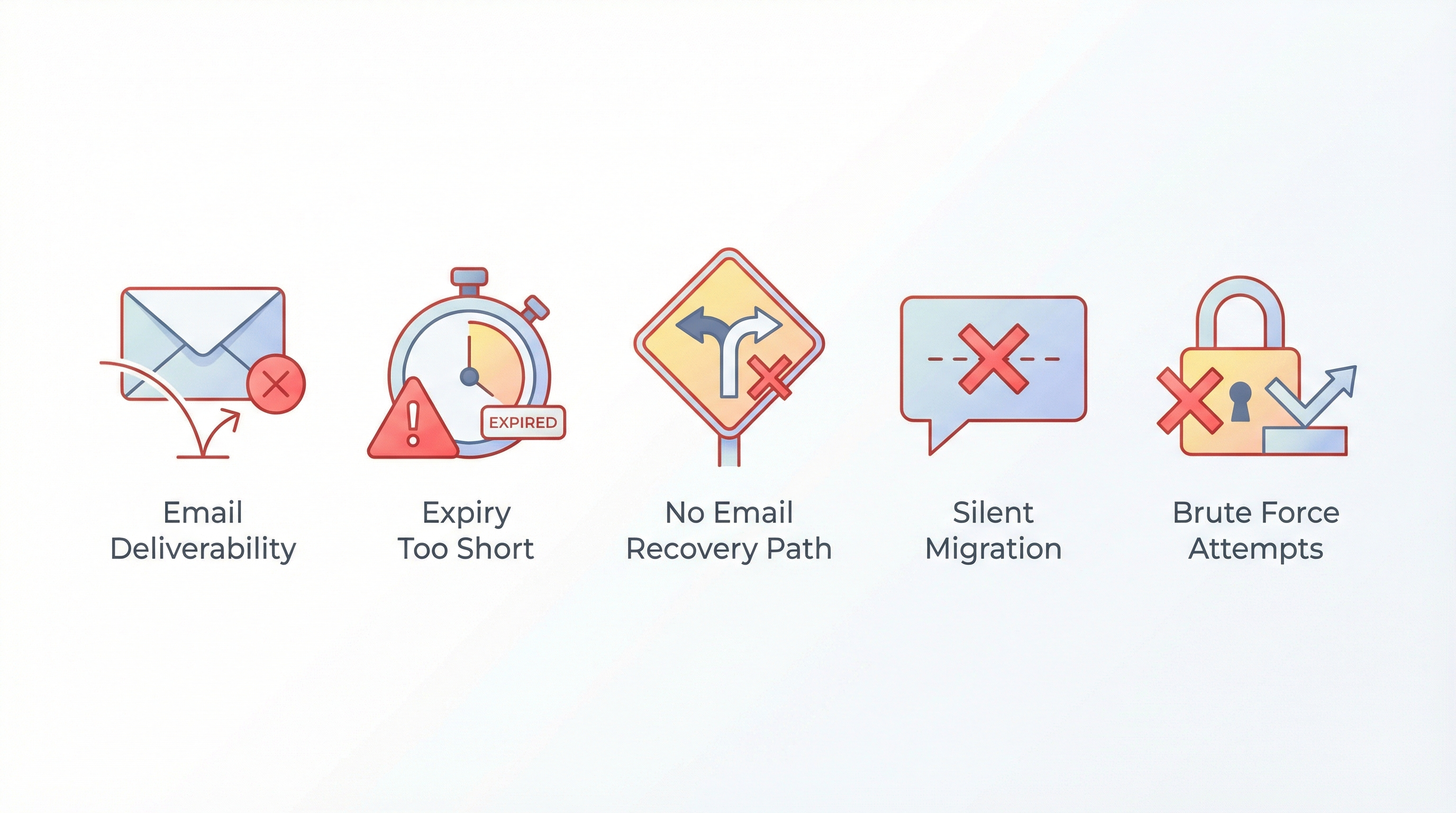
1. Not testing email deliverability first
Your entire migration depends on password reset emails arriving. Test thoroughly. Check spam folders. Use a reputable email service (Resend, Postmark, SendGrid).
2. Setting password reset links to expire too quickly
15 minutes is too short. Some users won't see the email for hours. Use 24-48 hour expiration minimum, with the ability to request a new link.
3. Not having a "help, I can't access my email" path
Some users will have signed up with an email they no longer control. Have a manual account recovery process ready (verify identity via payment history, support tickets, etc.).
4. Migrating passwords without telling users
Surprises breed distrust. Even if your gradual migration is technically seamless, tell users what's happening. Transparency builds trust.
5. Trying to crack or brute-force Bubble password hashes
Don't. It won't work (proper hashing is designed to resist this), and it would be a massive security violation even if it did. Use one of the legitimate strategies above.
Frequently Asked Questions
Can I export password hashes from Bubble and use them directly?
No. Bubble's password hashes are tied to their proprietary authentication system. Even if you could export the raw hashes, they won't work with standard password verification libraries in other frameworks.
Will users have to create entirely new passwords?
With the transparent reset approach, yes. With gradual migration, no—their same password works, but it's re-hashed behind the scenes. With OAuth or magic links, passwords become optional.
What if a user refuses to reset their password?
They can't access their account until they do. But you can make this easier by sending follow-up reminder emails. After 30 days, most holdouts give in. The ones who don't were probably inactive anyway.
How do I handle users who signed up with social login in Bubble?
If a user signed up with Google/Apple/Facebook OAuth in Bubble, you don't need to migrate a password—they never had one. Just make sure your new platform supports the same OAuth provider, and they can sign in directly.
What about two-factor authentication?
If you're using Bubble's built-in 2FA, those tokens can't be migrated. Users will need to re-enroll in 2FA on the new platform. Communicate this clearly—"You'll need to set up two-factor authentication again."
How long should I keep the old Bubble app running?
Depends on your strategy. For transparent reset: you can shut Bubble down immediately after migration. For gradual migration: keep it running 60-90 days to capture login-based password migrations.
The Fear Is Worse Than the Reality
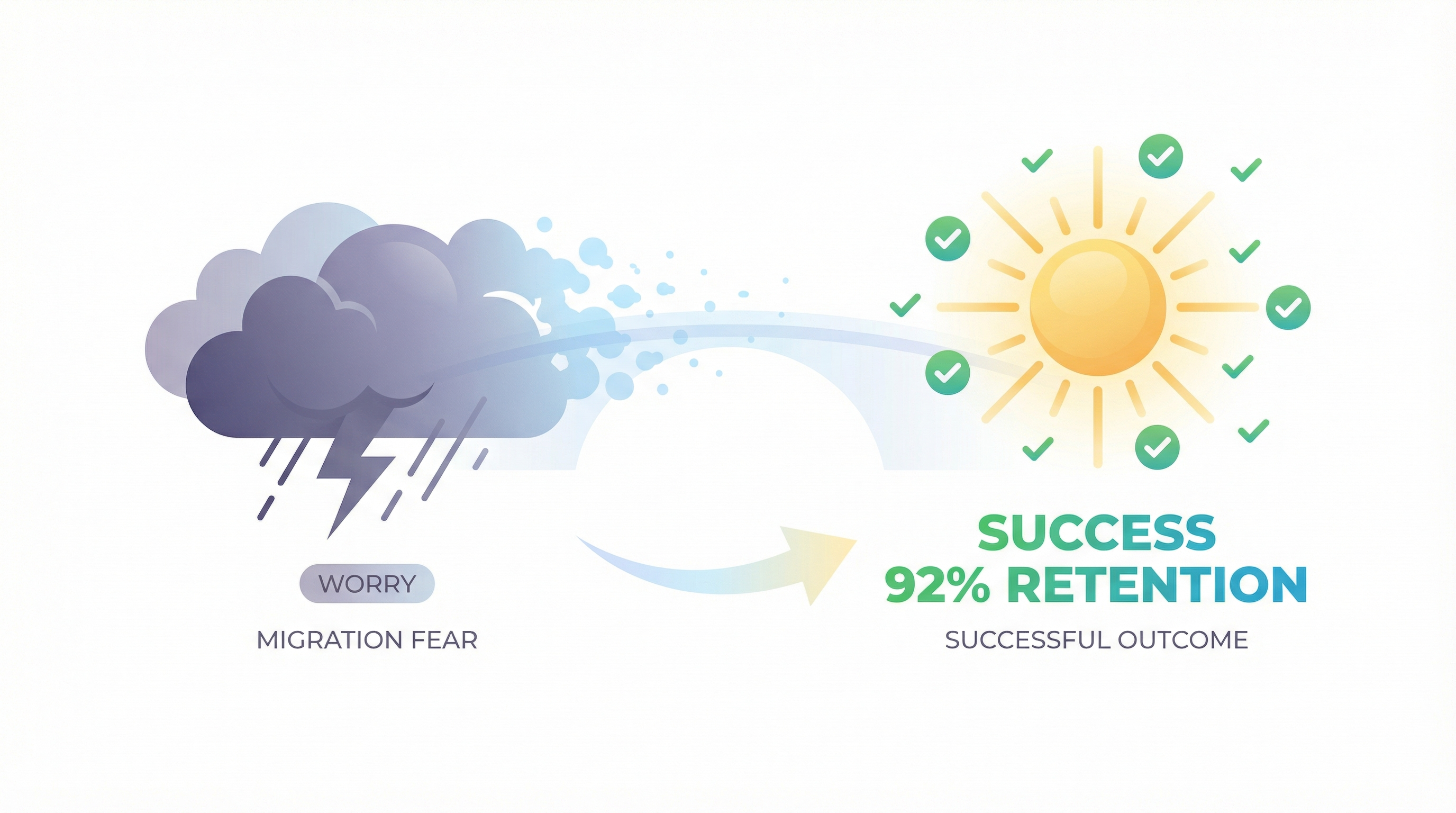
The password migration fear is understandable. Losing users is terrifying. Forcing people to re-register feels like starting over.
But founders who have migrated tell a different story:
"We made it sound scarier than it was. We did a password reset, sent good emails, and kept 92% of our paying users." — Anonymous, migrated 4,200 users
"I waited 18 months because of the password thing. When I finally migrated, it took a week and I lost maybe 50 users out of 800. I wasted 18 months worrying about nothing." — Anonymous, migrated 800 users
The users who matter—your paying customers, your power users, your advocates—will reset their passwords. The ones who don't were never going to generate value anyway.
Meanwhile, you're on a platform with escalating costs as you scale:
"when successful, running on Bubble is 10-100 times more expensive than running on self written code" — sem, Bubble Forum
That loads 8 seconds instead of 2:
"On my iPhone 14 pro, my app takes on average 8 seconds to load" — thibautranger, Bubble Forum
And can destroy your business overnight:
"within 2.5 hours it reached 100% of the 175,000 WU monthly limit, which caused Bubble to automatically take it offline" — 23acher, app taken down on launch day
The password problem is solvable. The Bubble cost problem, the performance problem, the lock-in problem—those don't go away by waiting.
Ready to Migrate?
We've helped dozens of Bubble founders navigate password migration using the exact strategies in this guide. Our automated export handles the data complexity. You pick the authentication strategy that fits your users.
Get a free migration assessment → — We'll review your app, estimate your user count, and recommend the right password migration approach for your situation. Sometimes the answer is "wait." We'd rather tell you that upfront.
Related reading:
Ready to talk migration?
Get a free assessment of your Bubble app. We'll tell you exactly what to expect — timeline, cost, and any potential challenges.