
Bubble Code Export: The Complete Guide (2026)

Can you export your Bubble app to code?
No. Here's the co-founder of Bubble saying it directly:
"Bubble apps can only be run on the Bubble platform; there's no way of exporting your application as code." — Emmanuel Straschnov, Bubble co-founder
And it's not changing anytime soon:
"Bubble has no plans to build an export tool in the next 1-2 years." — mikeloc, citing Bubble co-founder Josh Haas
That's the reality. Now let's talk about what you can actually do.
Why Bubble Can't Export to Code
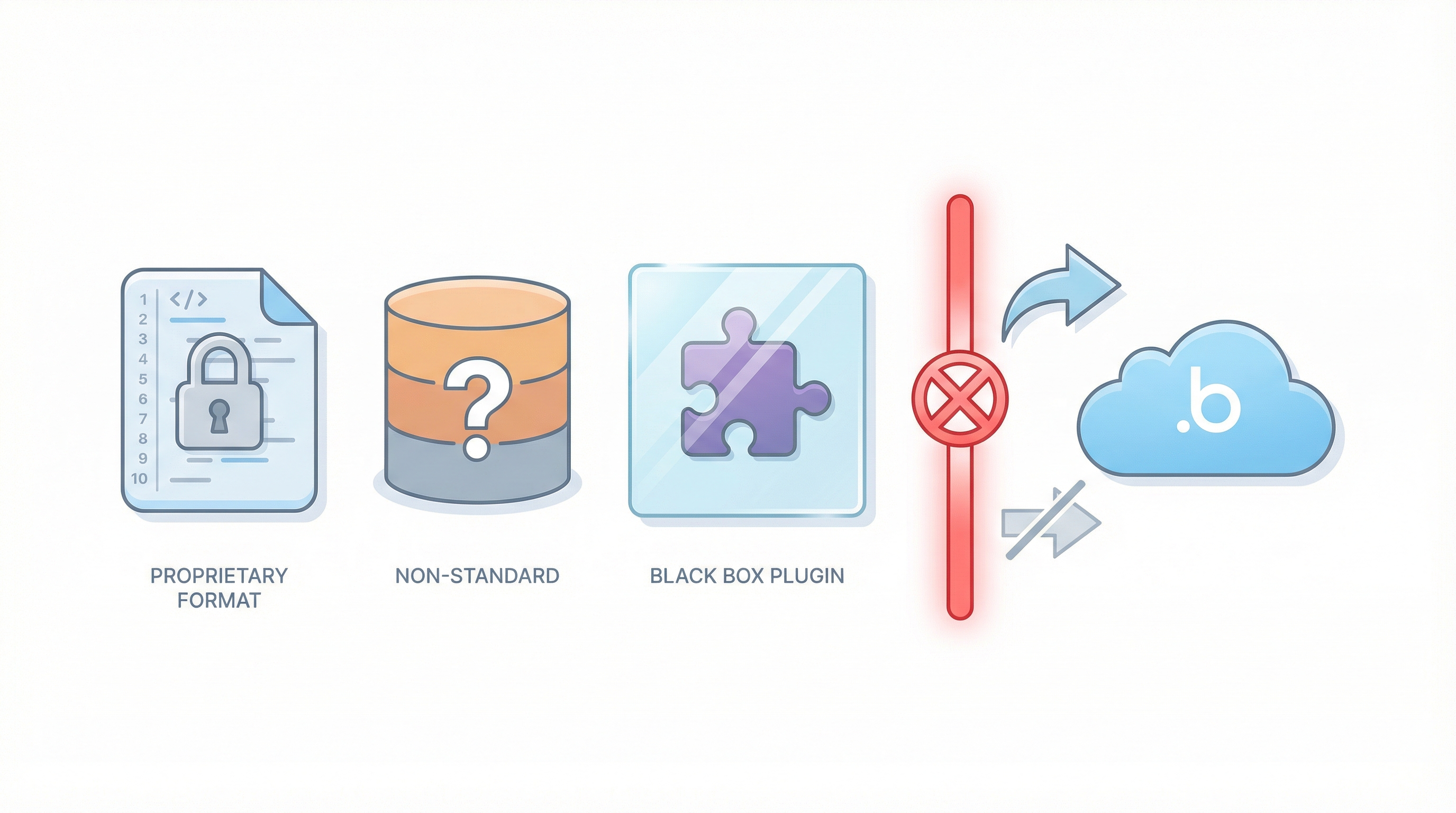
It's not just about keeping you locked in (though that's a nice side effect for them). There are technical reasons:
Bubble doesn't generate code. When you drag elements and create workflows, you're not writing React or JavaScript. You're creating instructions in Bubble's proprietary format that only Bubble can interpret.
Bubble's database isn't standard. It's not PostgreSQL or MySQL with a fancy UI. It's Bubble's own system with object-based relationships instead of traditional foreign keys.
Plugins are black boxes. Your Stripe integration isn't code you can take with you—it's a reference to a Bubble plugin. Leave Bubble, and you rebuild those integrations from scratch.
What You CAN Export
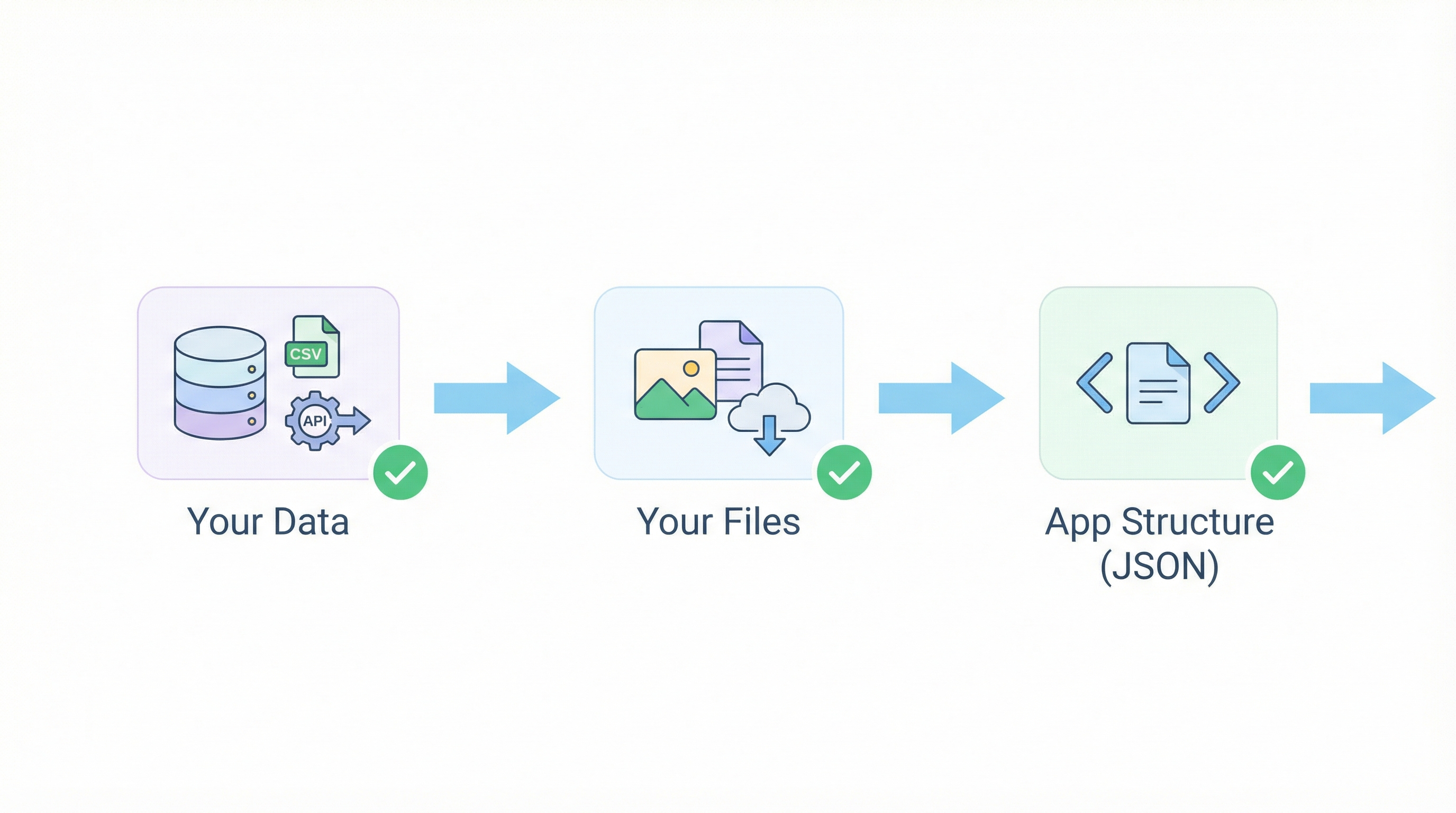
Bubble isn't a complete black box. Here's what you can actually get out:
1. Your Data
- CSV exports for each data type (slow and painful at scale)
- API access to pull everything programmatically
- Backend workflows to sync data to external databases
"Migrating data out of Bubble is such a pain from someone who had to migrate over 3 million records." — stuart8, Bubble Forum
It's possible. Just not pretty.
2. Your Files
Images, documents, uploads—all accessible via URLs. Export the list, download them all, re-upload to S3 or Cloudflare R2.
3. App Structure (JSON)
Bubble lets you export your app as JSON. But don't get excited—it's Bubble's internal format, not runnable code. Useful for understanding your app's architecture, not for deploying anywhere else.
Your 5 Migration Options
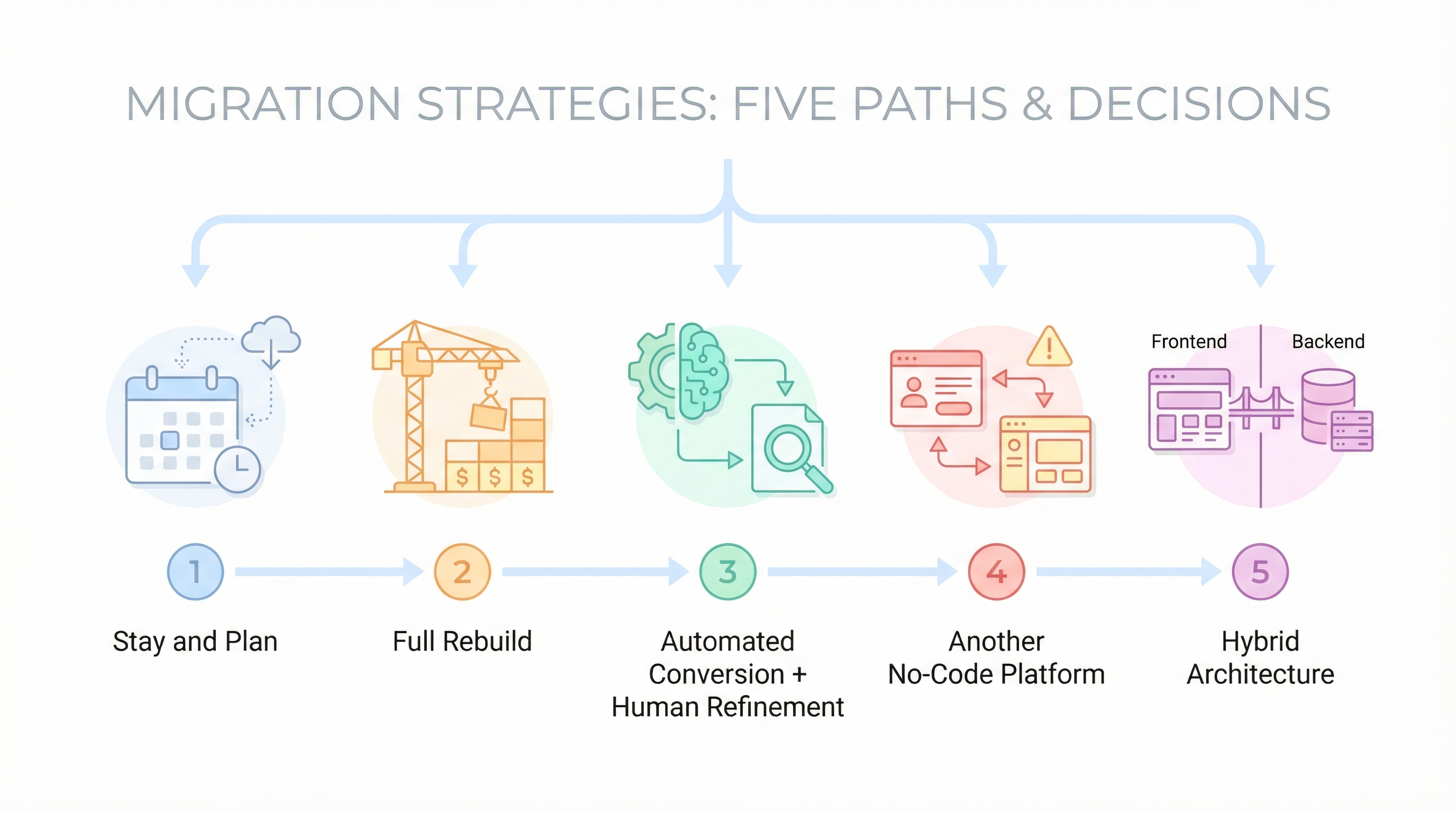
Option 1: Stay and Plan
Not ready to leave? Fine. But set up:
- Weekly data backups to external storage
- Documentation of your architecture
- Financial tripwires ("If our bill hits $X, we migrate")
Don't be this person:
"Either I move / rebuild or I shutdown on October 1st, 2024" — Drahgoone, Bubble Forum
Option 2: Full Rebuild
Hire developers, describe your app, they build it from scratch.
Cost: $50,000–$200,000+
Timeline: 3–12 months
When it makes sense: You have funding and need fundamental architecture changes
Option 3: Automated Conversion + Human Refinement
What we do at BubbleExport. Parse your app structure, generate code scaffolding with AI, refine with human developers.
Cost: $1,500–$5,000
Timeline: 1–8 weeks
When it makes sense: Your app works but you need to own the code
Option 4: Another No-Code Platform
Move to WeWeb, Xano, FlutterFlow.
Reality check: You're trading one lock-in for another. If your goal is code ownership, this doesn't solve it.
Option 5: Hybrid Architecture
Keep Bubble's frontend, move backend to Supabase or custom API, migrate gradually.
When it makes sense: Backend performance is your main pain point and you can manage the complexity.
What You Get After Migration
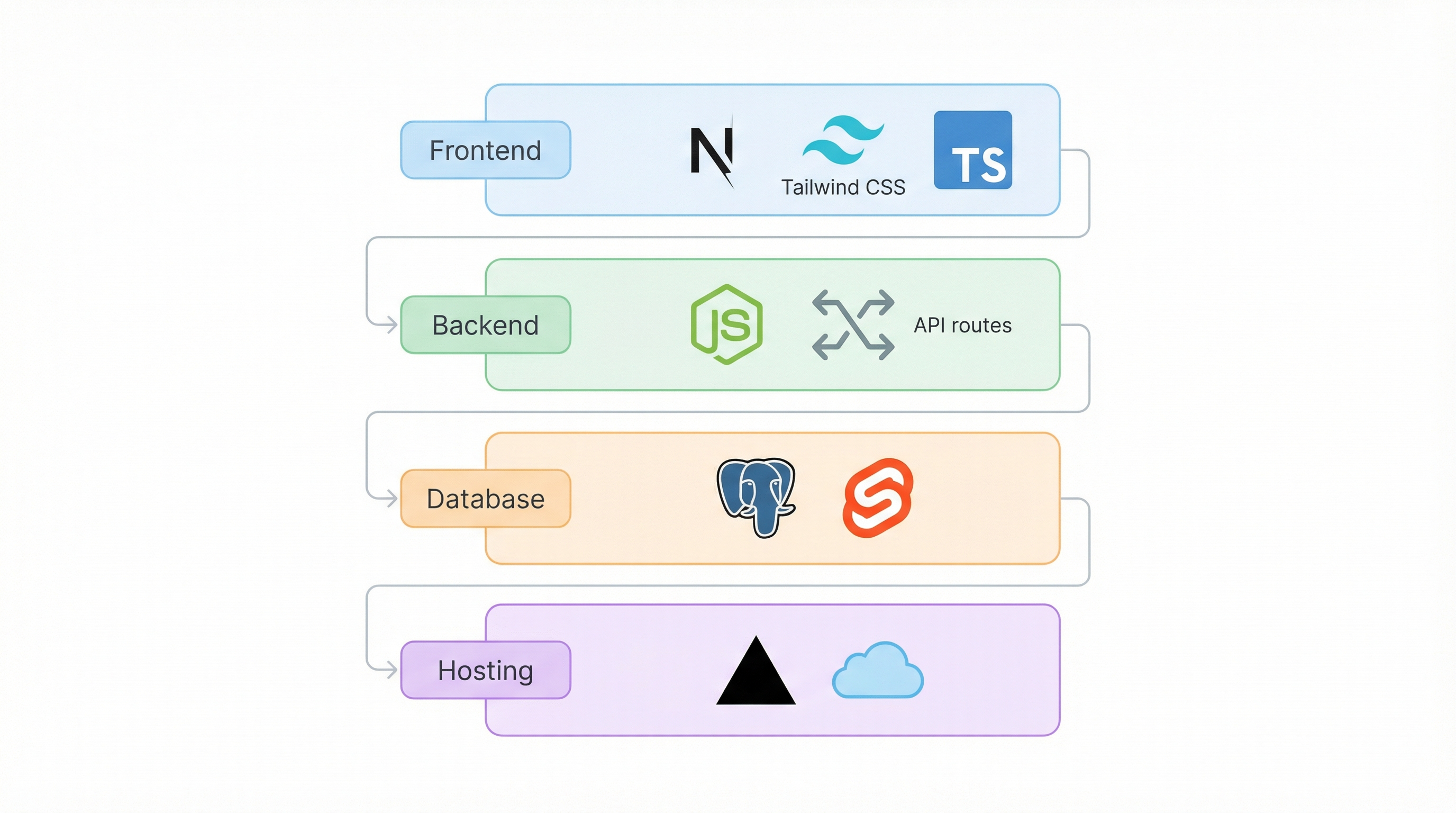
Typical output tech stack:
- Frontend: Next.js + Tailwind CSS + TypeScript
- Backend: Node.js or Next.js API routes
- Database: PostgreSQL or Supabase
- Hosting: Vercel, AWS, or similar
What this means:
- Any React developer can work on your app
- No more "Bubble developer" hiring constraint
- You own every line of code
- No platform lock-in
Should You Migrate?
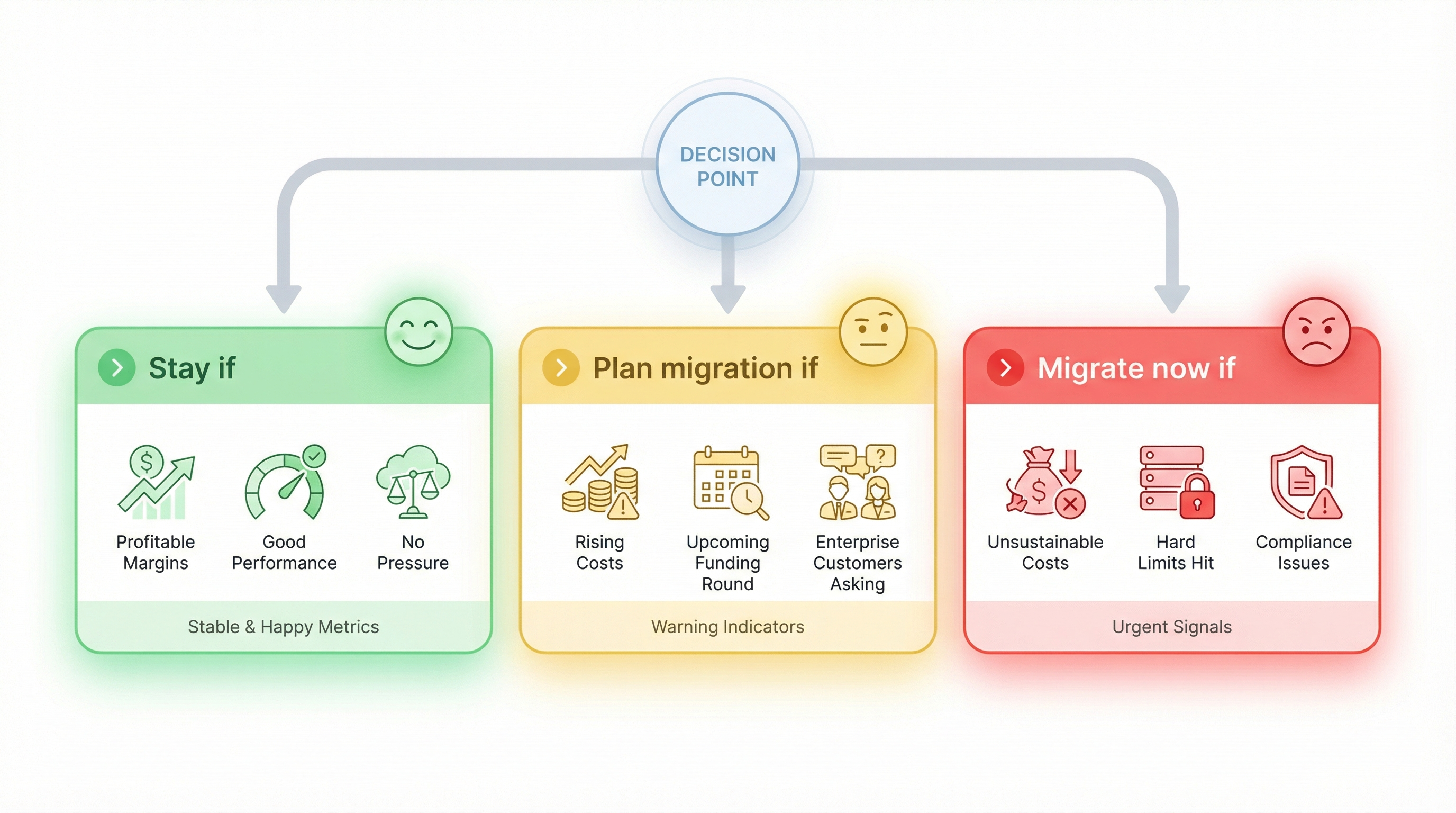
Stay if:
- App is profitable at acceptable margins
- Performance is good enough
- No investor pressure on tech stack
- No compliance requirements
Plan migration if:
- Costs are rising faster than revenue
- Performance is frustrating users
- Funding round approaching
- Enterprise customers asking about code ownership
Migrate now if:
- Costs are unsustainable
- You've hit Bubble's hard limits
- Investor/acquirer requires code
- Compliance requirements can't be met
- Existential risk to the business
The Bottom Line
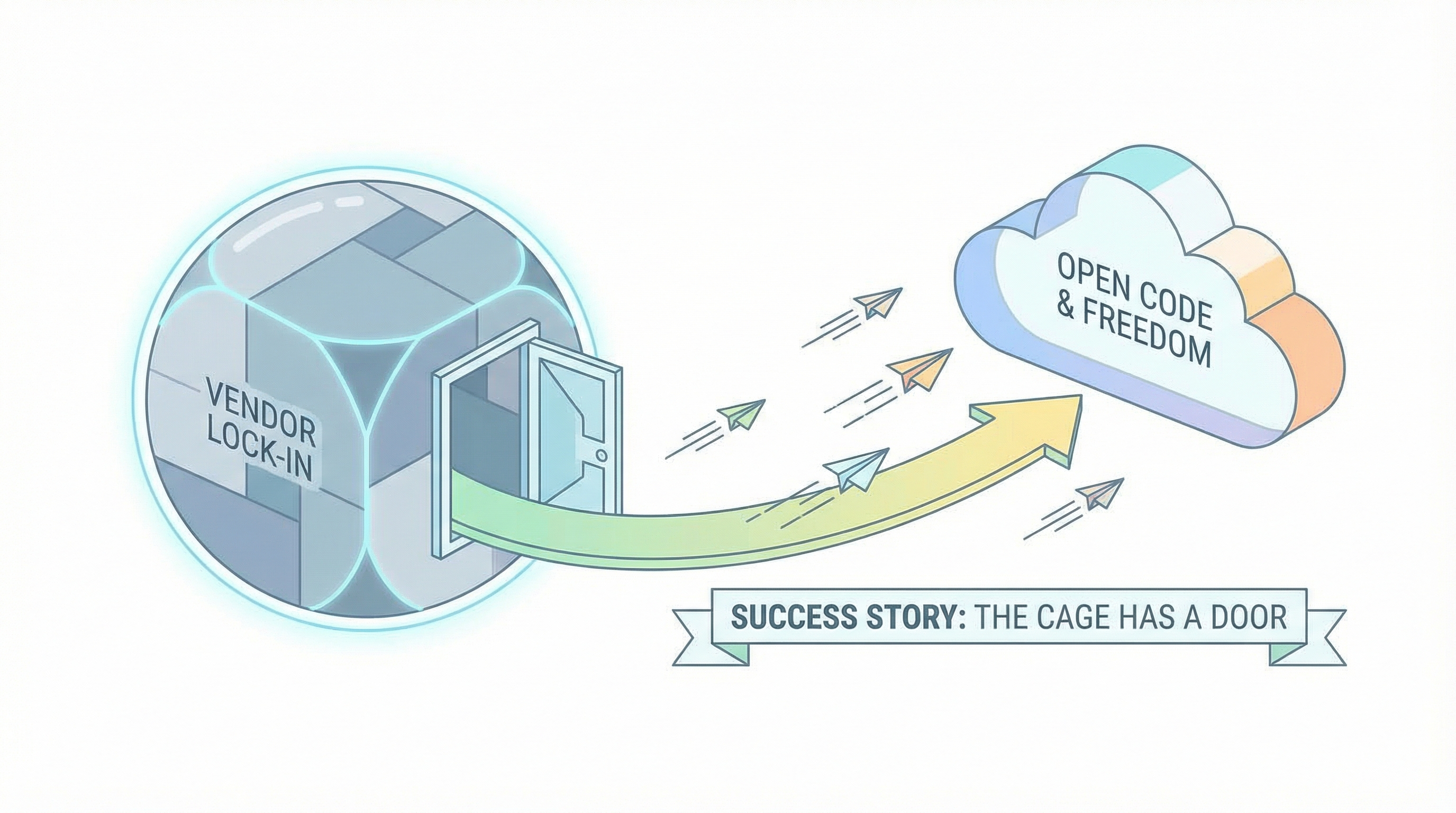
You can't export your Bubble app to code. That's not changing.
But thousands of founders have migrated successfully:
"I migrated to code. It wasn't even that difficult to be honest. One month and I had an app ready for production." — hoke, Bubble Forum
"We have moved out completely from Bubble using Supabase and Next.js. Possibilities are endless." — munaeemmmm, Bubble Forum
The cage has a door. It's just not labeled "export."
Ready to explore your options?
Get a free migration assessment → — We'll analyze your app and give you honest numbers. Sometimes the answer is "not yet." We'd rather tell you that than sell you something you're not ready for.
Ready to talk migration?
Get a free assessment of your Bubble app. We'll tell you exactly what to expect — timeline, cost, and any potential challenges.